May Release Notes
May 29th 2026
Features
BI Portal Dark Mode
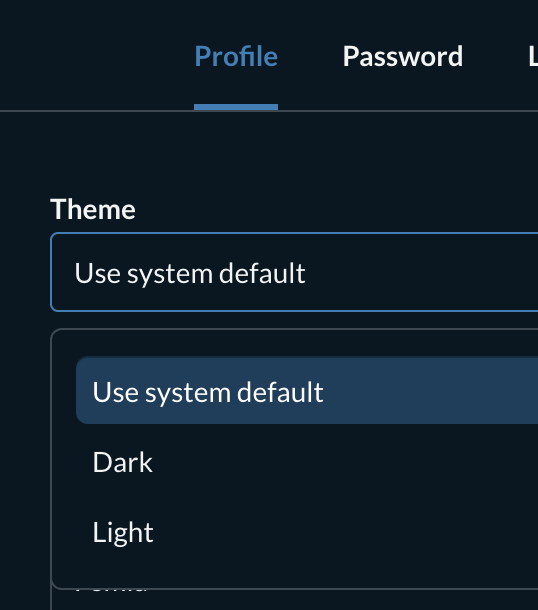
As part of our routine upgrades to our analytics platform the most recently deployed version comes with a new dark mode theme. The default setting is for it to match the user’s system dark / light setting.
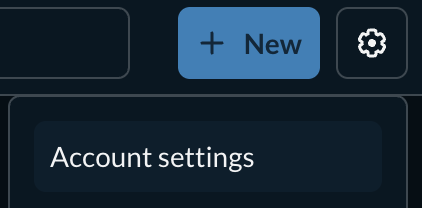
If you would like to override this, you can do so on a per-user basis by editing your profile settings. The setting is available from the cog menu on the top right, at the top of the Profile tab on the Account Settings page.
Unsaved Change Confirmation Dialogs
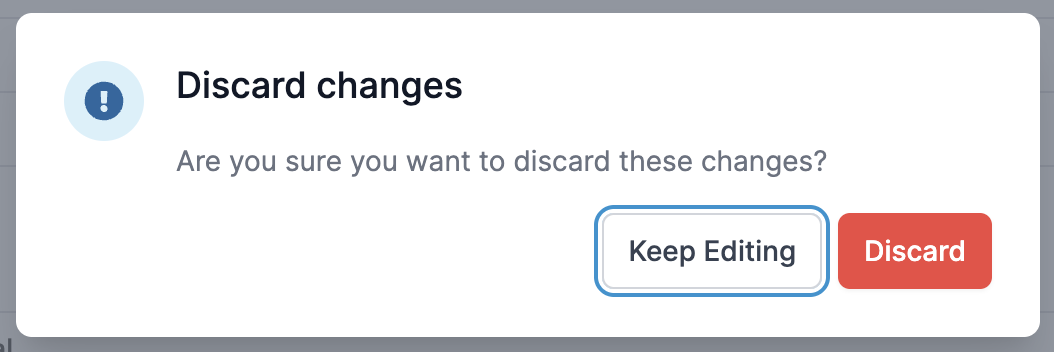
Previously the clinical portal had a mix of different types of dialogs when navigating away from unsaved changes. In some cases it was a styled dialog and in others it was a browser-native alert dialog.
This behaviour has been unified to bring all occurrences in line with the styled app-native dialogs. They now all behave like this for all customers:
Additional Document Integration Fields
The following fields can now be included in outgoing MDM_T02 messages:
- Form type (e.g. questionnaire, screener)
- Product name (e.g MyPreOp, or MyEndo)
These can be used to help a hospital system categorise the exported documents especially for customers with multiple products and form types.
This requires configuration so if it is required please contact your account manager to discuss.
Background Changes
- Further improves patient app resilience in poor network conditions, reducing the occurrences of patients being kicked out of the questionnaire while it is in progress.
- All customers have now been switched over to the new notification backend system. The migration went as expected and there were no unexpected issues.