
How to add a consultant
Adding a consultant
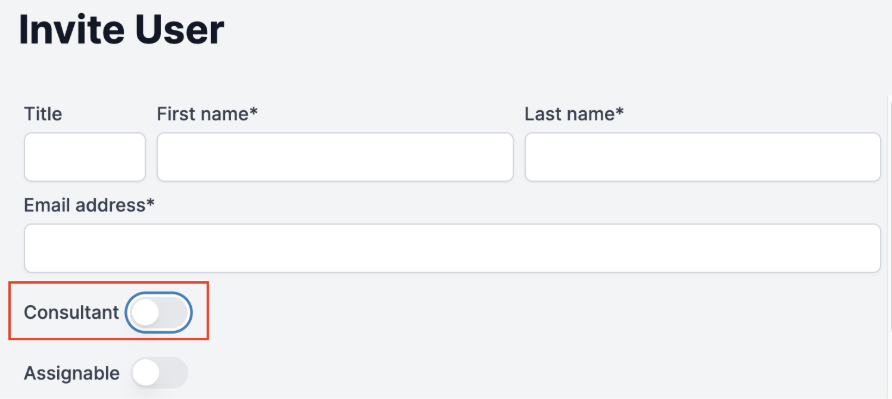
To add a consultant to the platform, start by adding a new user. Select the Consultant checkbox. This will allow user's name to appear in the Consultant dropdown on the Dashboard and Patient pages.
Note: Consultants are often assigned the No Access access level. See the access level table in this article.